









my-eforce REALTOR® Safety App
You’re Never in Business Alone.


A new safety benefit.
For all AREA members.
AREA has partnered with my-eforce to launch a safety app for REALTORS® across Alberta. The app is available to all AREA members at no additional cost.
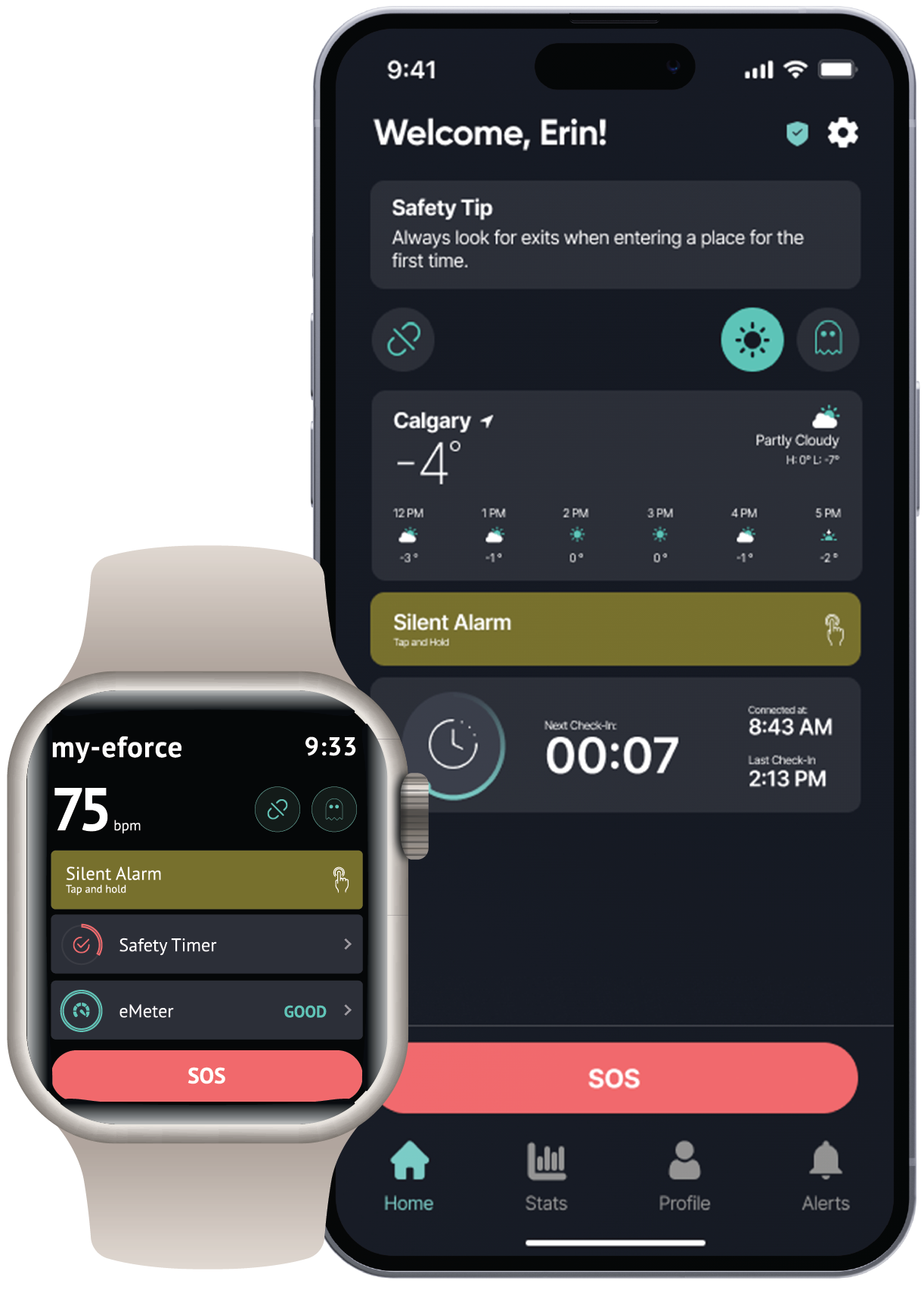
Whether you’re at a showing, hosting an open house or meeting a new client, my-eforce puts safety tools on your compatible smartphone or smartwatch, with access to 24/7 human support.
You must use your existing CREA login credentials to register for
my-eforce.
You’ll register on my-eforce’s website. Then download the app, sign in and complete your setup.
Support within reach.
Send an SOS
Use Emergency SOS to alert my-eforce’s support team, with location information to help them assess the situation.
Set a SafetyTimer®
Set a timer before a showing or appointment. If it expires, the app triggers an alert for follow-up.
Connect with real people
my-eforce’s trained support team is available around the clock to verify alerts and coordinate an appropriate response.
Features depend on your device, connectivity, settings and the services enabled for your account.
Watch my-eforce in action ↗Register for my-eforce
Register with my-eforce
Follow the registration link to my-eforce’s AREA page. You must use your existing CREA login credentials to register.
Download and sign in
Download my-eforce on your compatible device. Sign in and follow the setup instructions.
Make it part of your routine
Complete your profile, review permissions and get familiar with the tools before your next appointment. Follow my-eforce’s guidance for any testing.
Questions before
you start?
For help with setup or the app, contact support@my-eforce.com.
Is there an additional cost?
Access to my-eforce is included with AREA membership at no additional cost. A compatible device and connectivity are required; your usual device and data costs may apply.
Do I need a smartwatch?
No. my-eforce is available on compatible smartphones as well as supported smartwatches. Check the provider’s current device guidance before installing.
Am I ready to use it after registering?
Registration is the first step. Download the app, sign in, complete your profile and review the required permissions. Contact my-eforce if you need help confirming your setup.
How is my information handled?
my-eforce processes information needed to provide the service, including location information. Review its privacy policy and the app’s settings to understand how your information is used.
Who can help our brokerage get started?
You can request a demo directly from my-eforce. For individual setup questions, email support@my-eforce.com.